
Every builder on forg should have at least one product. A product is anything you're building — a SaaS, mobile app, browser extension, open source project, API, or anything else.
To add a product, look for the plus icon (+) in the left sidebar next to the "Products" section. Clicking this will take you to forg.to/product/new.
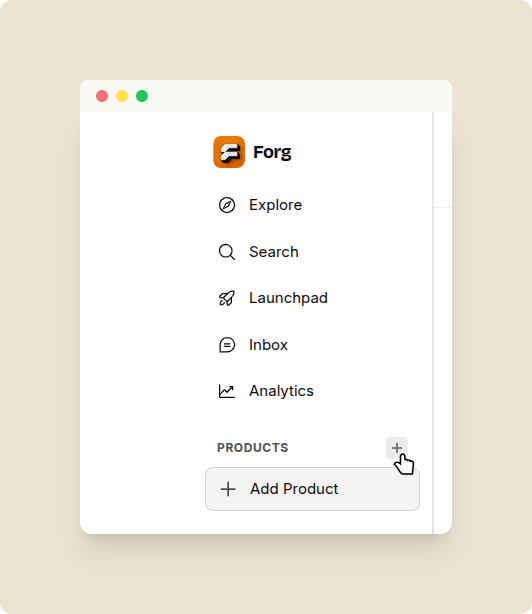
Add Product
What you fill in
| Field | Details |
|---|---|
| Name | Your product's name |
| Tagline | One-sentence description |
| Description | Longer description (shown on product page) |
| Logo | Square image, shown everywhere |
| Website URL | Your product's homepage |
| GitHub URL | If open source |
| Category | Choose from 44 categories |
| Product type | SaaS, Browser Extension, Mobile App, etc. |
| Platforms | Web, iOS, Android, Mac, Windows, etc. |
| Pricing | Free, Freemium, One-time, Subscription |
| Status | Where in the lifecycle your product is |
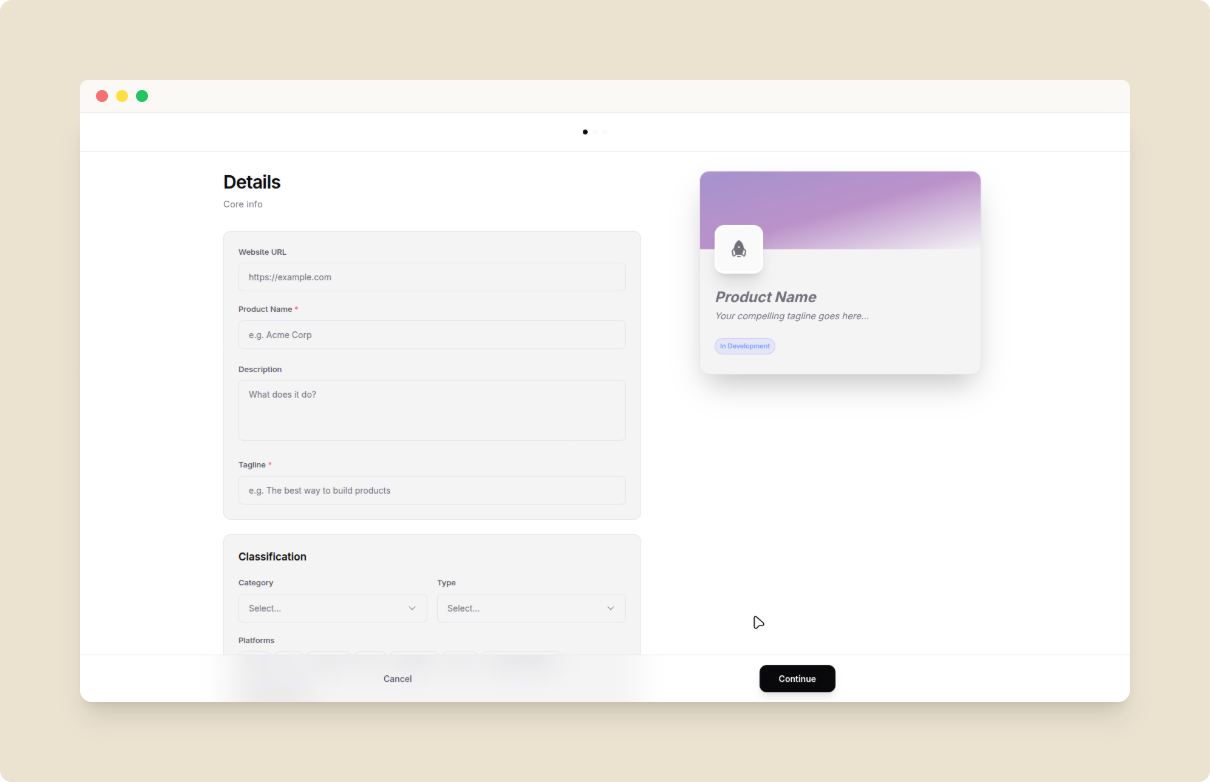
New Product Form
Slugs are auto-generated from your product name — e.g., "My Cool App" becomes
forg.to/products/my-cool-app