
Launching on forg gives your product a 7-day Launch Boost — elevated visibility across the platform during the most important week of your product's life.
How to launch
- Your product must be in Validating, Building, Alpha, or Beta status first.
- Go to your product page → click "Launch".
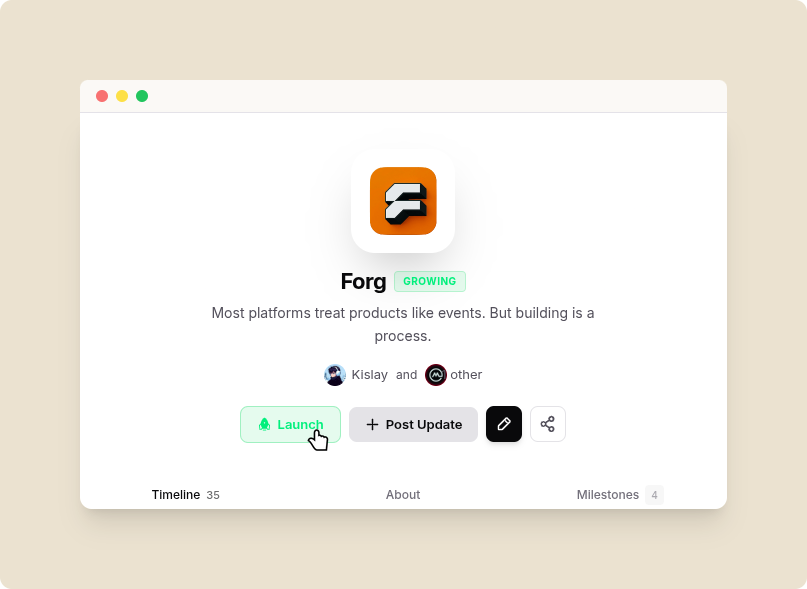
Launch Button
- Pick an available launch week from the batch scheduler.
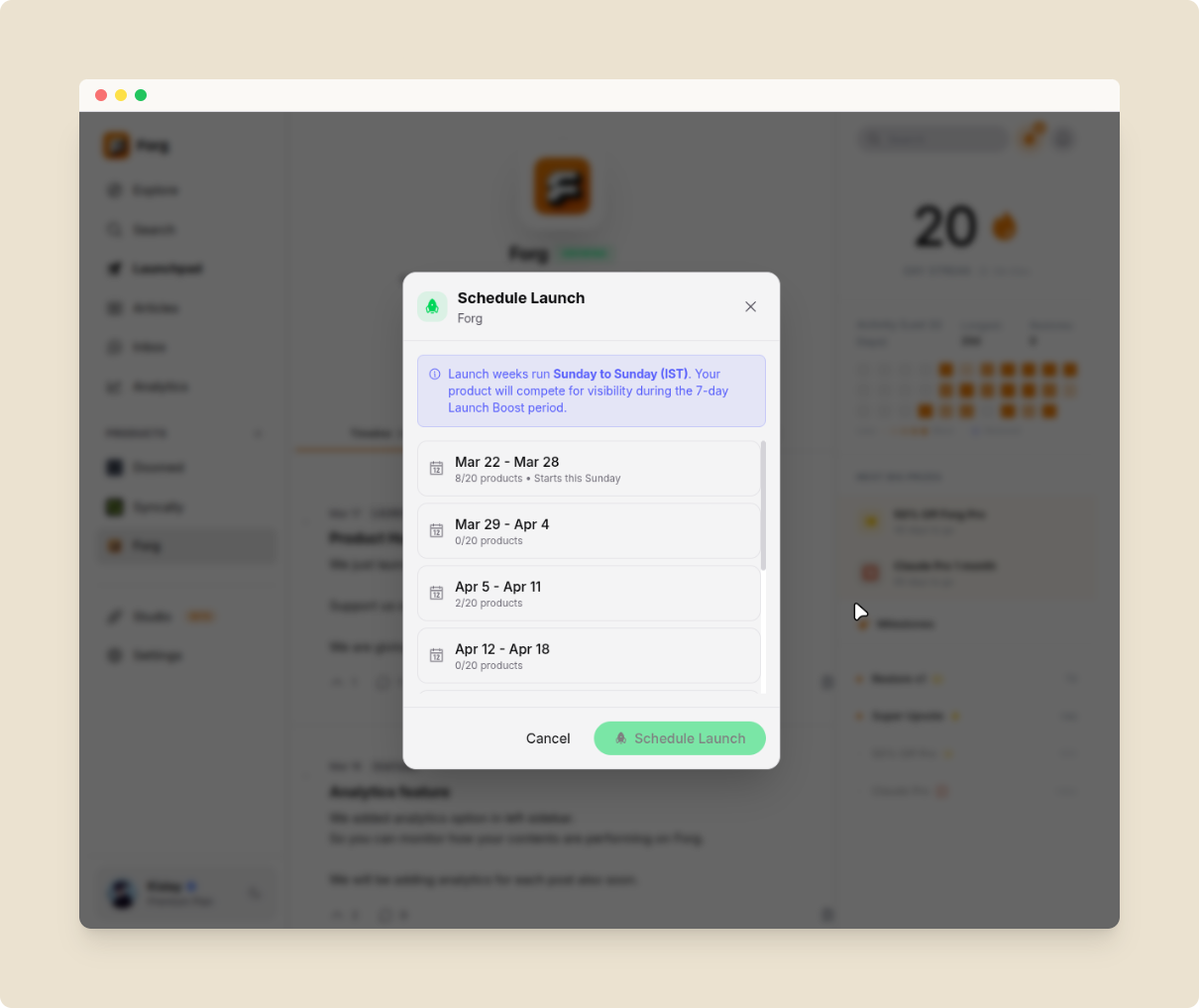
Launch Scheduler
Batch slots
- Each week (Sunday to Sunday IST) allows a maximum of 20 product launches.
- When a week is full, it's marked as "Full" and unavailable.
- You can see and book into upcoming weeks ahead of time.
What happens during Launch Boost
- Your product appears prominently on the Explore and Products pages.
- The Launched status is locked for 7 days.
- After 7 days, your product automatically transitions to Growing.
Premium Launch ($19 one-time)
- Homepage Hero Slot: Featured on forg.to's public landing page.
- Instant Indexing: Submitted to Bing & Yandex via IndexNow immediately.
- SEO Boost: Highest sitemap priority (1.0) and Product structured data.
- Forg Team Announcement: Post from the official @forg_to account on X.
- Staff Pick Badge: Permanent badge on your product card.