
Your forg profile is more than just a page. It's your public proof-of-work and your builder identity. A complete profile helps you connect with other builders and showcase your journey.
Step 1: Sign up for Forg
Sign up for Forg with your Google, GitHub, or X (formerly Twitter) account. This ensures a quick and secure onboarding process.
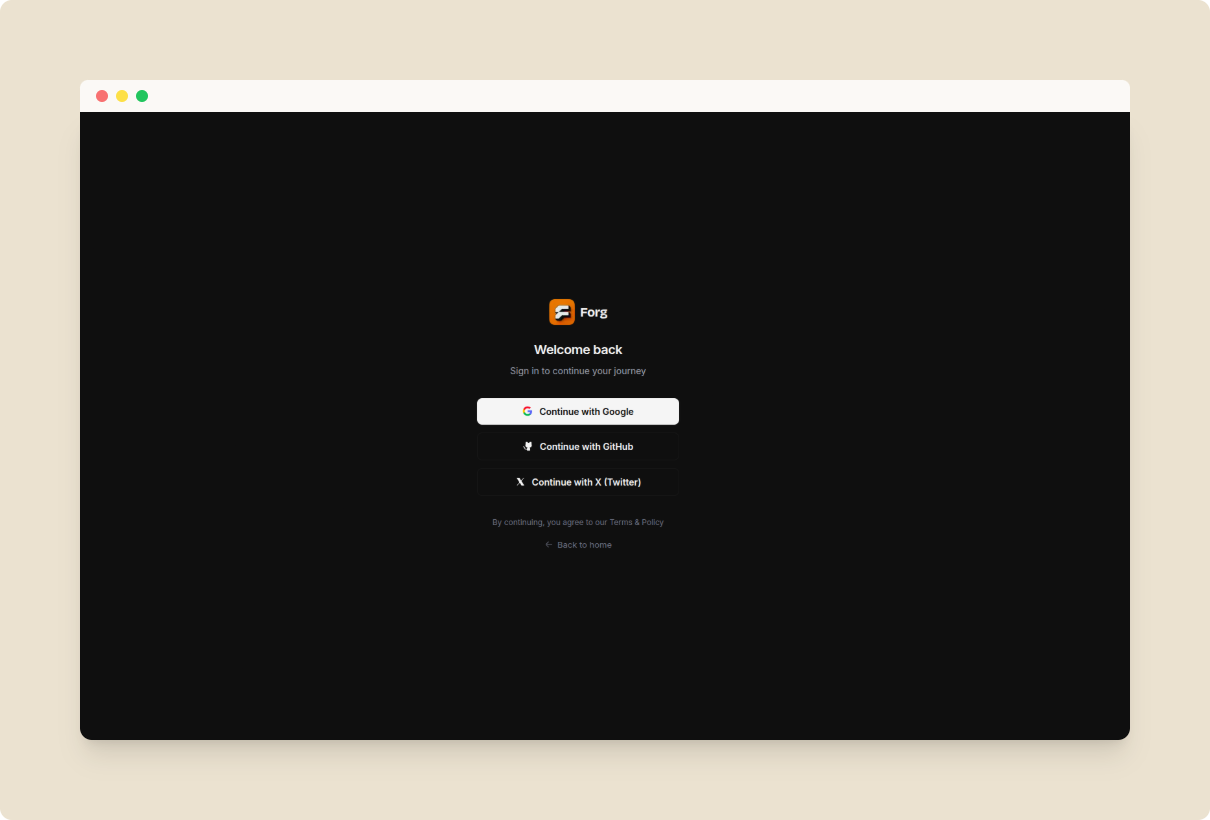
Sign up for Forg
Step 2: Choose your identity
Once signed up, you'll need to set your core identity:
- Username: Choose a unique handle (3-30 characters) that is available. This forms your permanent profile URL:
.forg.to/@username - Display Name: Your professional name or the name you're known by (up to 50 characters).
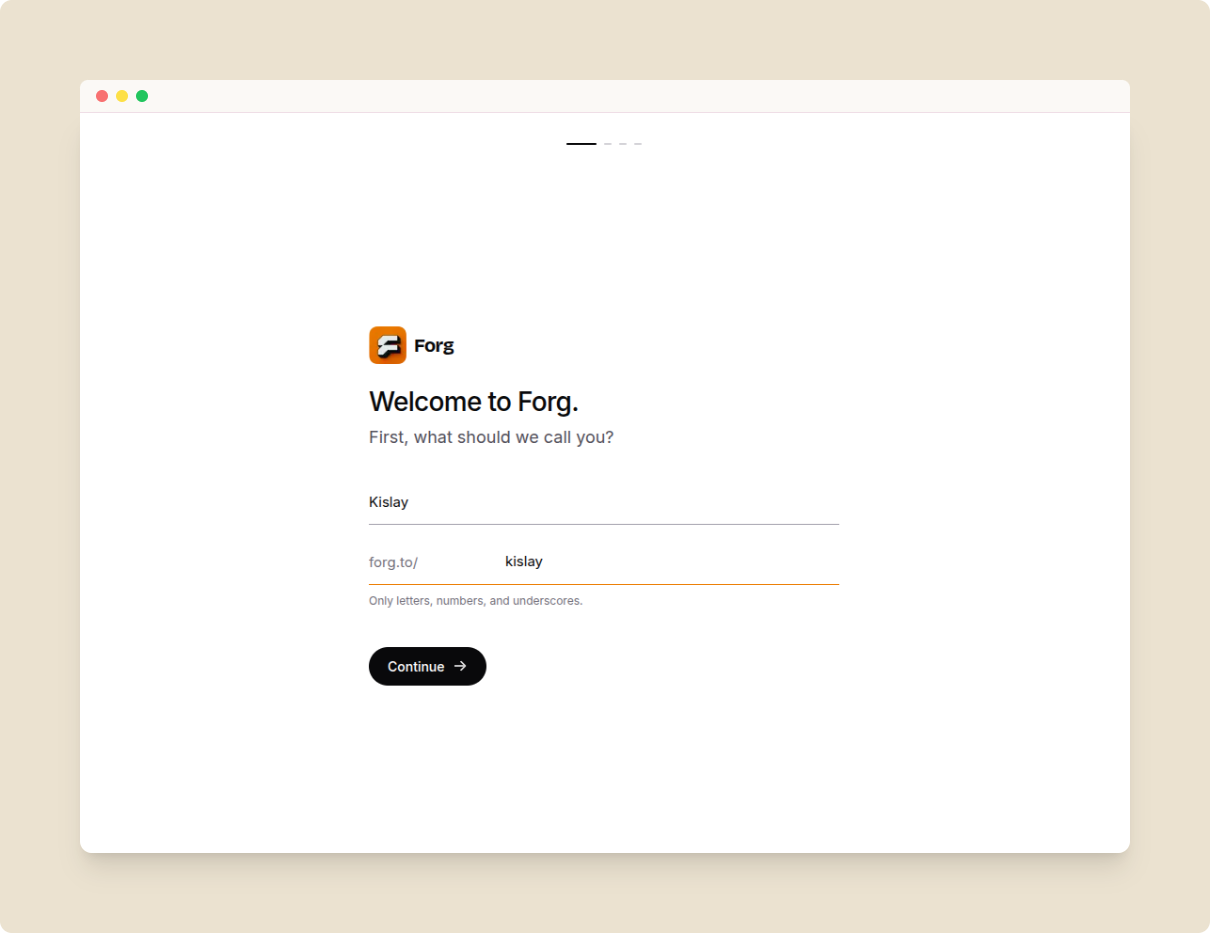
Choose your username and professional name
Step 3: Add your project
If you're already working on a project, you can drop the link here and it will be added to your profile immediately. If you're not ready yet, you can simply skip this step.
For more details on how products work, check out our guide on Adding Your Product.
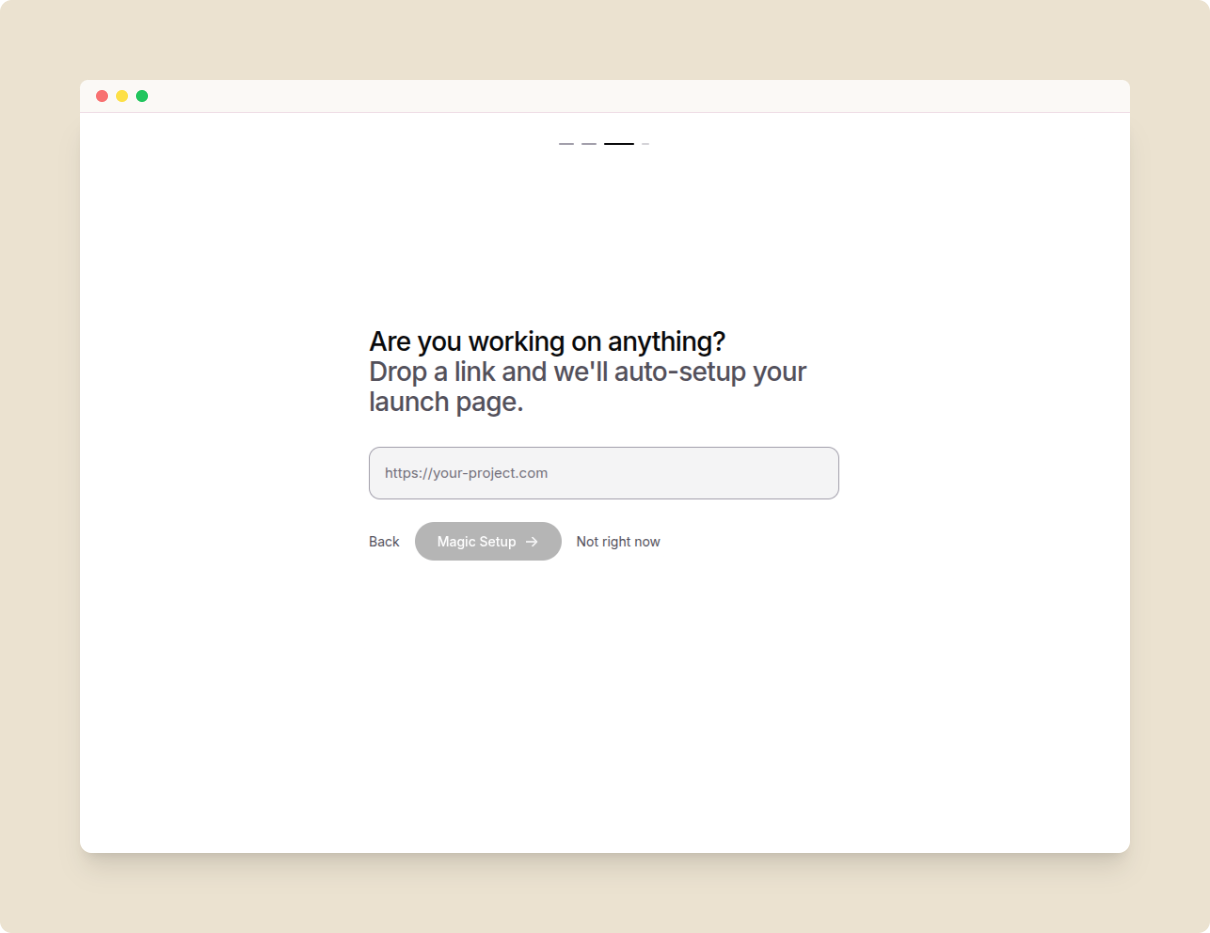
Add your first project during onboarding
Step 4: Introduce yourself
Start with your first post on forg by introducing yourself to everyone. Share what you're learning, or building, or exploring. This is your first interaction with the community, so make sure to be professional and follow the rules and guidelines.
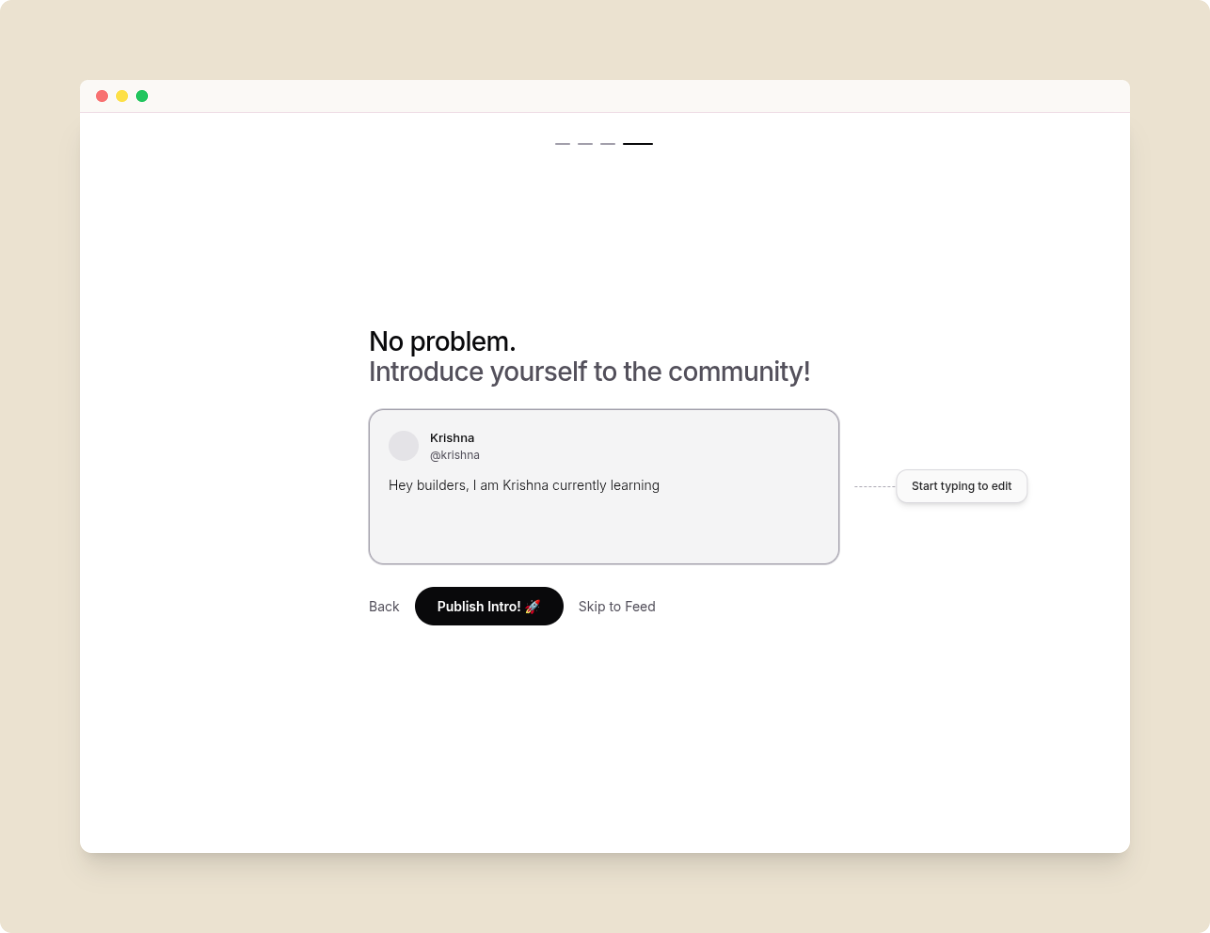
Introduce yourself to the forg community
Step 5: Profile Completion
To make sure your profile is visible and you can fully participate in the community, your profile should be at least 60% complete. Profiles with less than 60% completion cannot perform key interactions like upvoting, commenting, or sending Direct Messages.
To reach the 60% threshold quickly:
- Upload a Profile Photo: A face builds trust (+30%).
- Write a Bio: A punchy, one-sentence description of who you are (+30%).
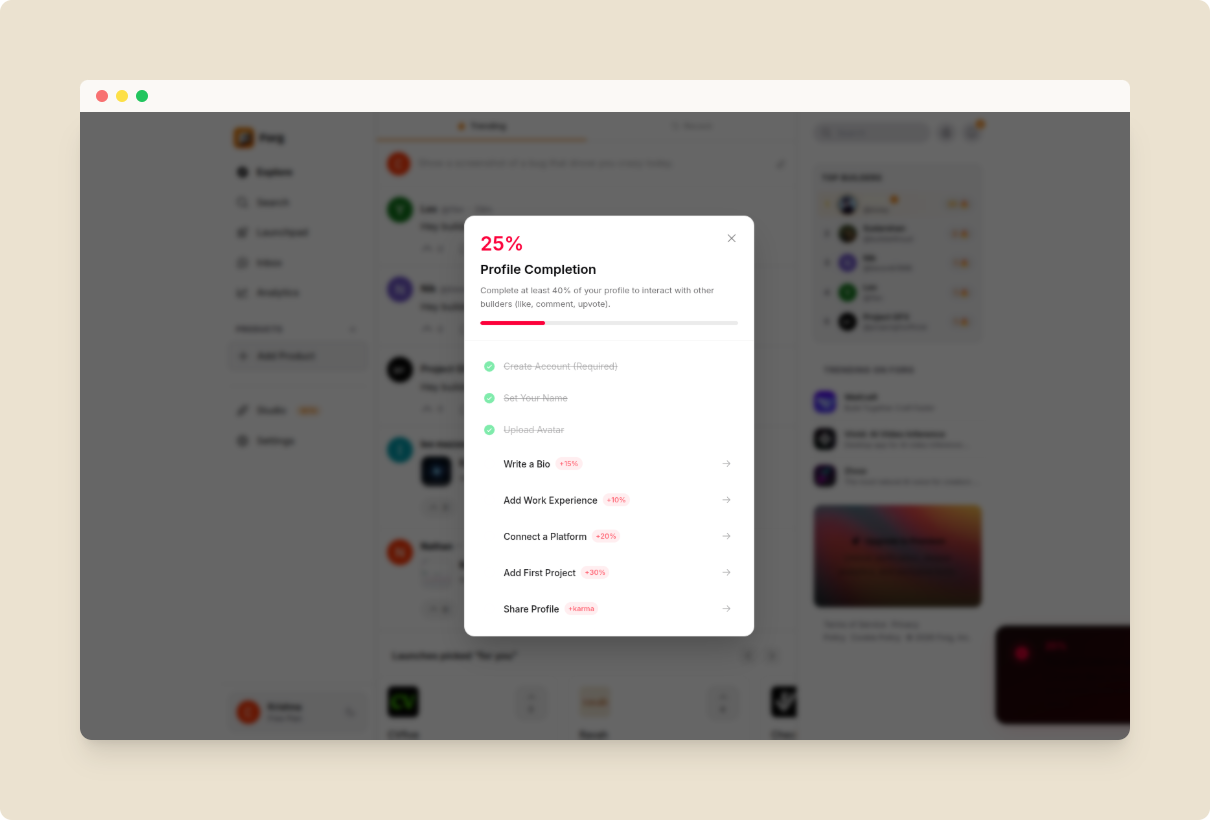
Complete your profile to interact
Step 6: Make your profile stand out
Beyond the basics, you can further professionalize your profile to attract collaborators and opportunities:
- Skills & Expertise: Tag the technologies and tools you work with (e.g., Next.js, Rust, Figma). These tags make your profile searchable by expertise.
- Opportunities (Open To): Signal if you are open to Jobs, Freelance work, Collaborations, or Mentorship.
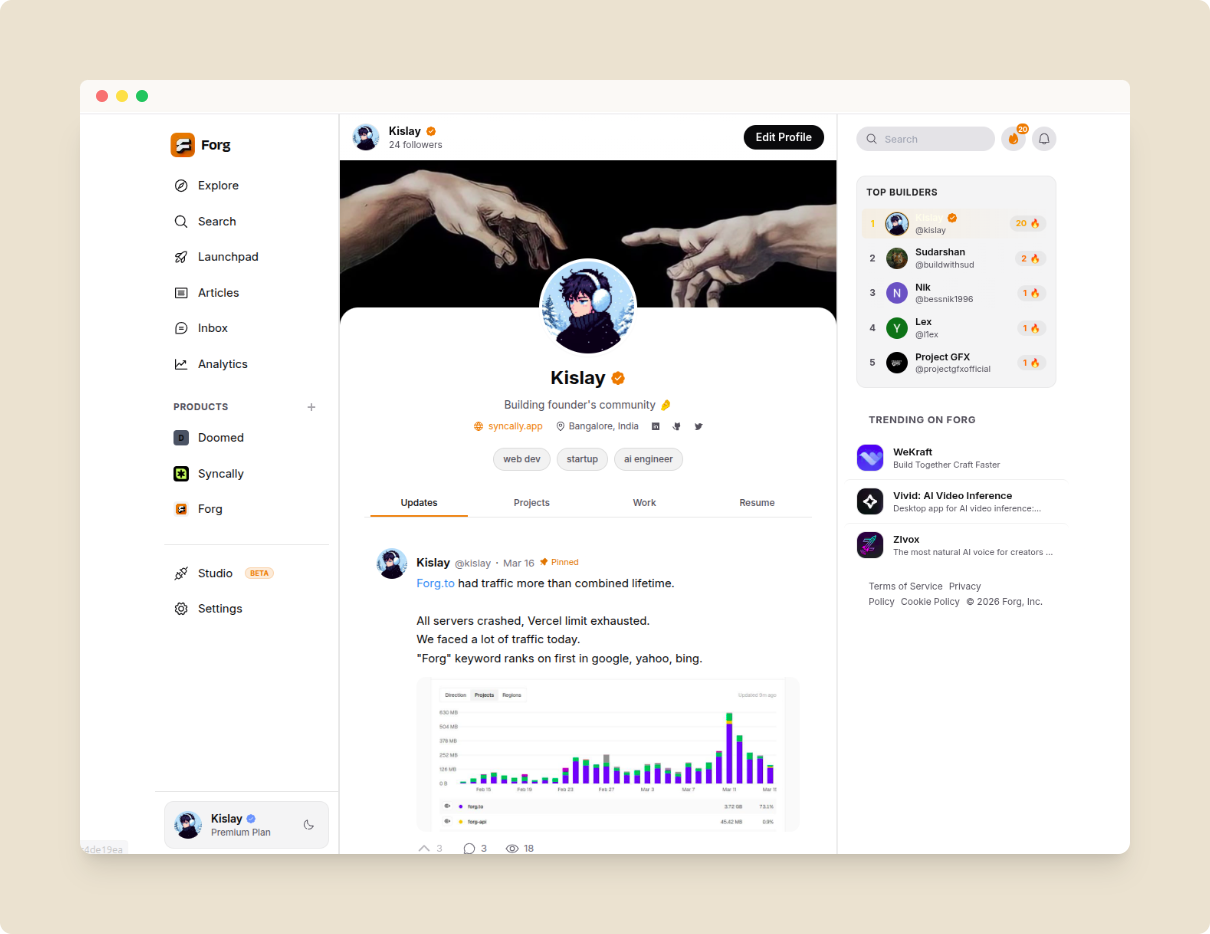
Example of a completed professional profile
Do's and Don'ts
- Profile Picture: A professional headshot or portrait photo is recommended. Anything obscene will lead to profile suspension.
- First and Last Name: Your legal name should be used. Do not use anything else like company name or combination of your legal name like website, role, emojis, etc. For ex:
- ❌ Johnrao Doekar Visit -> johndoe.com
- ❌ John The Product Designer
- ❌ Johnrao Doekar Follow For Content Marketing Tips
- Bio: Share briefly about yourself. What you do, where you work, etc. Keep it professional and concise.
- Username: Your username is your permanent handle. Check our guidelines for username here.