
forg is designed to prioritize what you've actually built. By connecting your existing professional platforms, you can showcase a 360-degree view of your work history and activity across the web.
You can manage all integrations from Settings → Integrations.
GitHub
Connecting your GitHub account allows you to display your coding activity directly on your forg profile.
- Contribution Graph: Show your daily commit history and consistency.
- Top Repositories: Feature your most important open-source work or personal projects.
- Languages: Automatically display the tech stack you use most frequently.
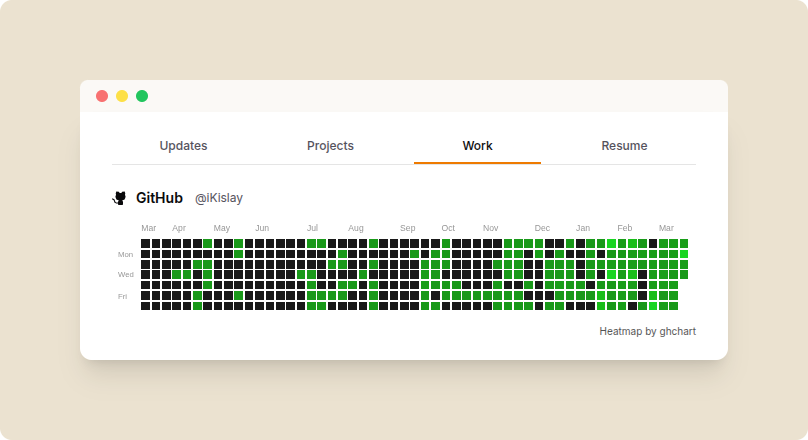
GitHub Widget
YouTube
If you create content or tutorials, the YouTube integration pulls your latest activity.
- Latest Videos: Your most recent uploads appear as a gallery.
- Channel Stats: Show your reach and influence in the developer community.
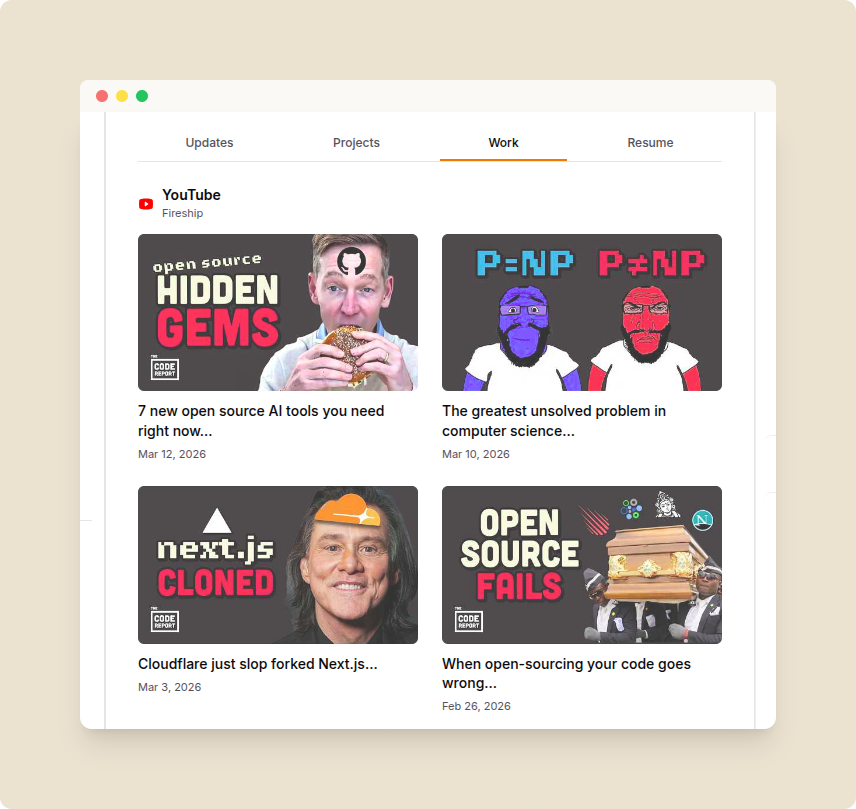
YouTube Widget
Writing (Medium, dev.to, Hashnode, Substack)
For those who build in public through writing, you can aggregate your posts from multiple platforms into one feed.
- Unified Blog Feed: Pulls the latest articles from your connected blogs.
- Evergreen Content: Showcases your deep dives and tutorials alongside your product updates.
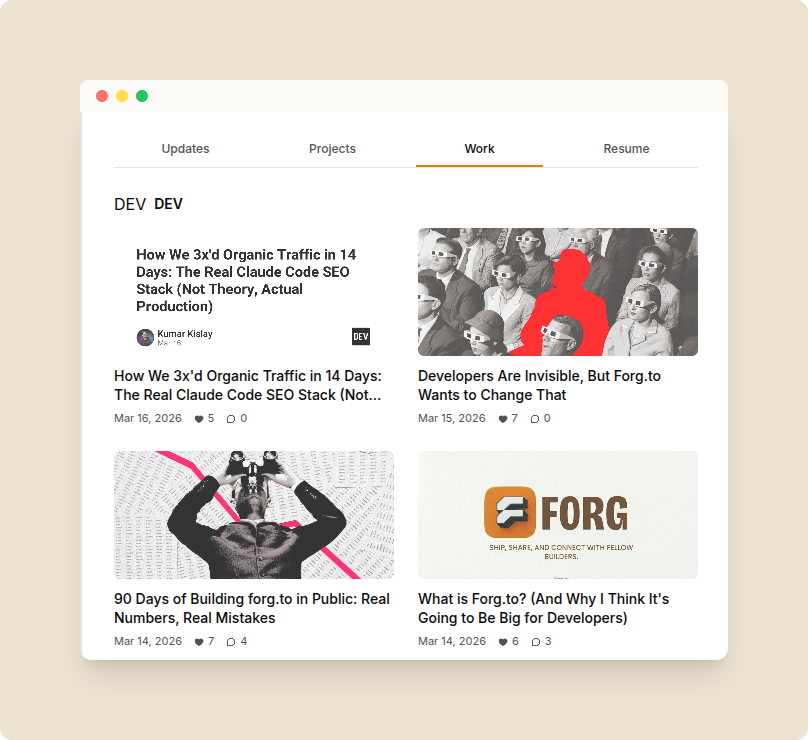
Writing Widget
Competitive Programming (LeetCode, Codeforces, CodeChef)
Showcase your problem-solving skills and technical proficiency.
- Live Rankings: Display your current rating and global rank.
- Problem Stats: Show the number of problems solved across different difficulty levels.
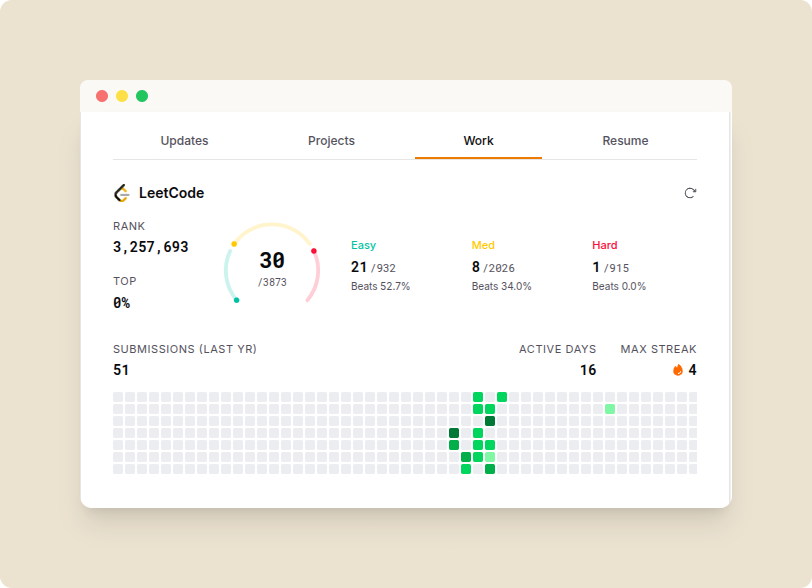
Competitive Programming
Customizing Your Layout
You have full control over how these integrations appear on your profile. You can drag and drop widgets to change their position or resize them (Small, Medium, Large) to highlight your strongest areas.